
Quick Fix: Most Common Errors
Solve your installation problem in 2 minutes
"App not installed" Error
Quick Fix: Enable "Install from unknown sources" in Settings → Security
✅ 95% success rate
Parse Error / Package Invalid
Quick Fix: Redownload APK (file may be corrupted)
✅ 90% success rate
Insufficient Storage
Quick Fix: Clear 150MB+ space (Settings → Storage)
✅ 100% success rate
Installation Blocked
Quick Fix: Disable Play Protect temporarily
✅ 85% success rate
Complete Troubleshooting Guide
Step-by-step solutions for all installation errors
Step 1: Basic Requirements Check
📱 Android Version Compatibility
Dream 77 requires Android 5.0 (Lollipop) or higher. Check your Android version:
Go to Settings
Open Settings app on your Android phone
Find About Phone
Scroll down and tap "About phone" or "About device"
Check Android Version
Look for "Android version" - should be 5.0 or higher
Step 2: Enable Unknown Sources
This is required for installing APK files from outside Google Play Store:
For Android 8.0+ (Oreo and above):
- Go to Settings → Apps & notifications
- Tap "Advanced" → "Special app access"
- Select "Install unknown apps"
- Choose your browser (Chrome, Firefox, etc.)
- Toggle "Allow from this source" to ON
For Android 7.1 and below:
- Go to Settings → Security
- Find "Unknown sources"
- Toggle to ON (enable)
- Confirm when prompted
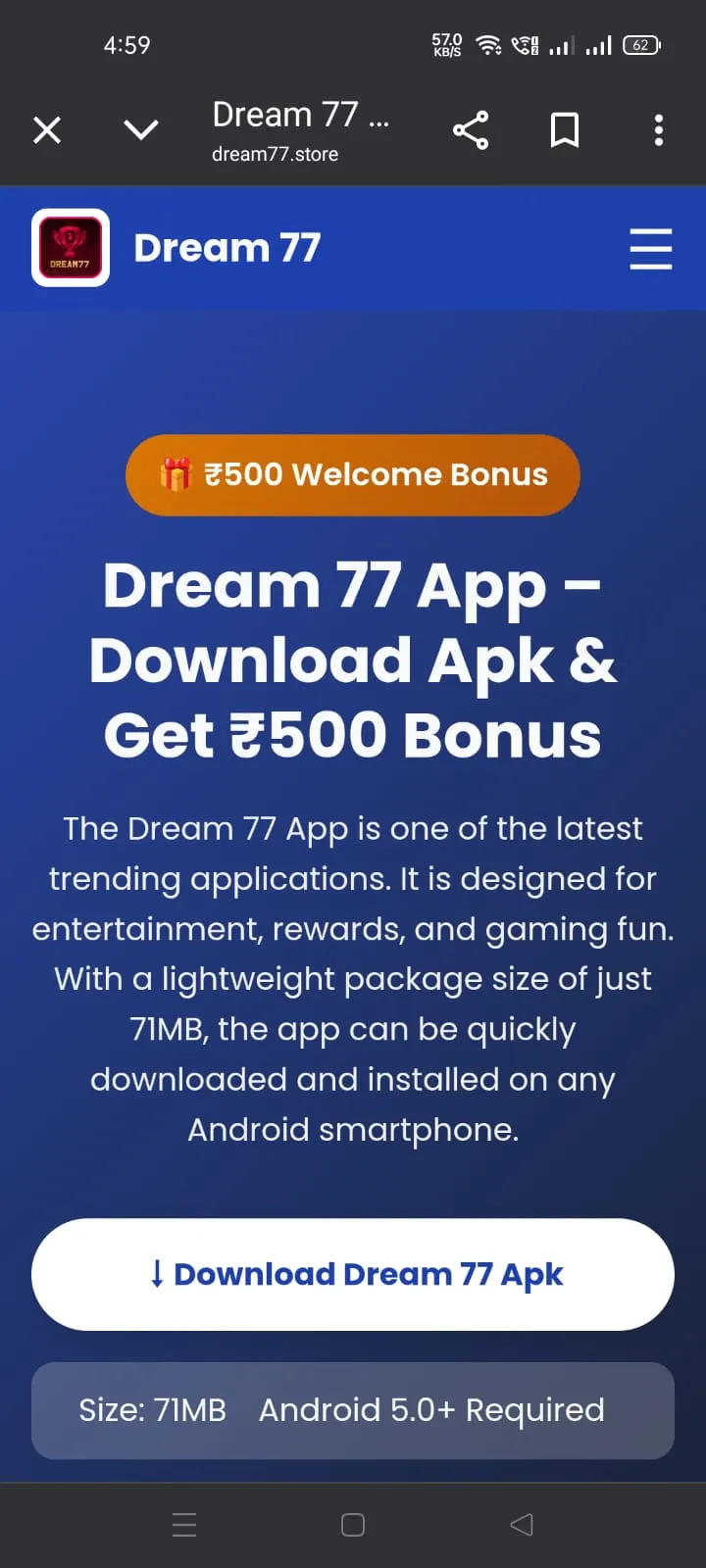
Step 1: Enable Installation
Allow installation from your browser or file manager
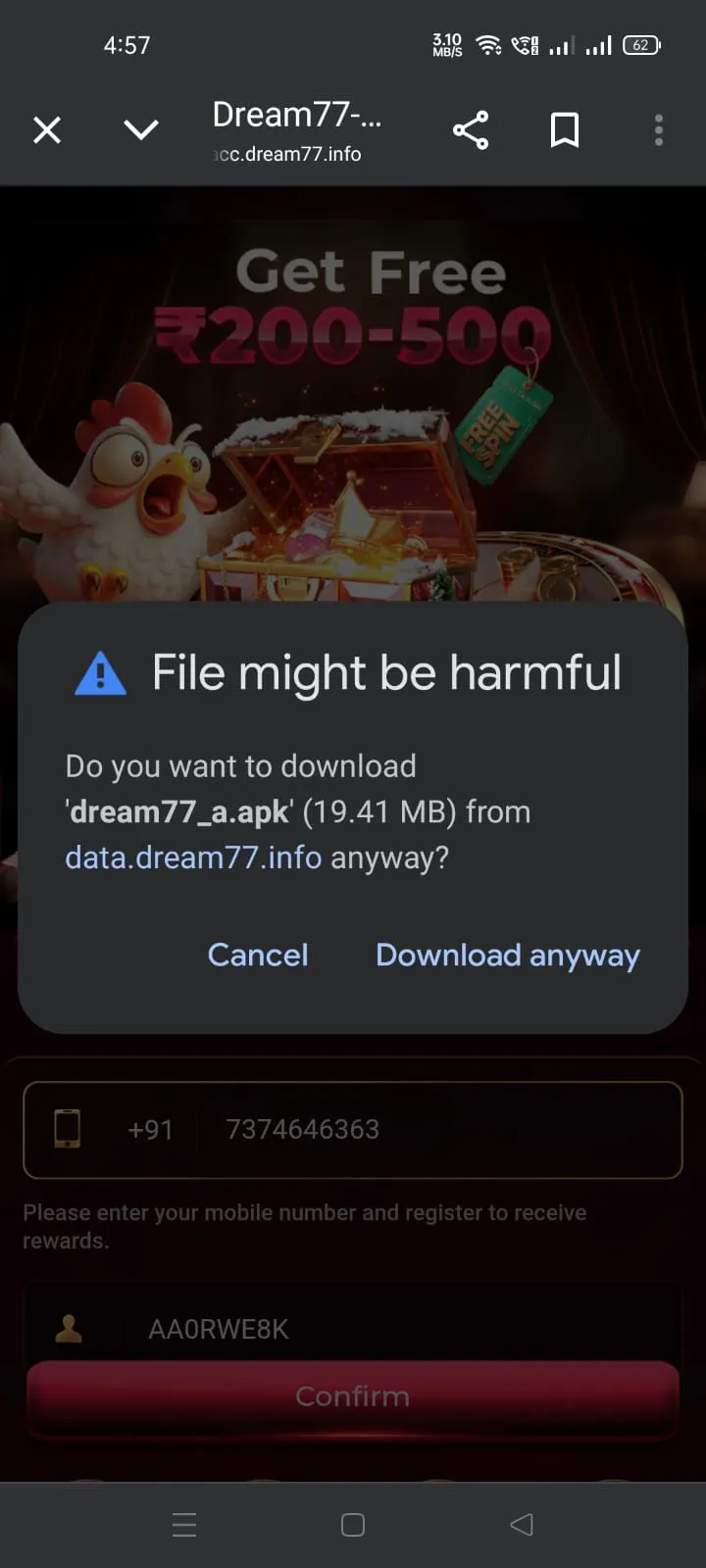
Step 2: Install APK
Tap install and wait for completion (30-60 seconds)
Step 3: Clear Storage Space
Dream 77 requires 150MB free space. Here's how to clear space:
Quick Storage Cleanup:
- Clear app cache: Settings → Storage → Cached data
- Delete old downloads: File Manager → Downloads folder
- Uninstall unused apps: Remove apps you don't use
- Clear WhatsApp/media files: WhatsApp → Storage & data
- Use Files by Google: Automatic cleanup tool
Minimum Requirements:
- 150MB free internal storage
- 50MB free RAM during installation
- Stable internet connection (2MB+ speed)
Specific Error Solutions
Detailed fixes for each installation error
Error: "App not installed"
Causes:
- Insufficient storage space
- Corrupted APK file
- Android version incompatible
- Previous installation remnants
- Security restrictions
Solution:
Clear Previous Installation
Go to Settings → Apps → Find Dream 77 → Uninstall completely
Disable Google Play Protect
Open Play Store → Menu → Play Protect → Turn off "Scan apps" temporarily
Use Different File Manager
If default file manager fails, try "Files by Google" or "Solid Explorer"
Error: "Parse Error: There was a problem parsing the package"
Causes:
- Corrupted APK download
- Incomplete file download
- APK file not compatible with your Android version
- File renamed incorrectly
Solution:
- Redownload APK: Delete current file and download fresh copy
- Check File Size: Ensure APK is ~20MB (not smaller)
- Use Stable Connection: Download on Wi-Fi, not mobile data
- Try Different Browser: Switch from Chrome to Firefox or vice versa
- Clear Browser Cache: Settings → Apps → Browser → Clear cache
Error: "Insufficient storage available"
Quick Storage Cleanup Methods:
Method 1: Clear App Cache
Settings → Storage → Cached data → Clear (can free 500MB-2GB)
Method 2: Delete Old Files
File Manager → Sort by size → Delete large unused files
Error: "Installation blocked" or "Harmful app detected"
This is usually Google Play Protect blocking installation.
Temporarily Disable Play Protect
Open Google Play Store → Menu (☰) → Play Protect → Settings (⚙️) → Turn off "Scan apps with Play Protect"
Install Dream 77
Now try installing the APK file again
Re-enable Play Protect
After installation completes, turn Play Protect back on
Advanced Solutions
For persistent installation problems
📱 Use ADB Installation (PC Required)
For devices that won't install any APK:
- Enable USB debugging on phone (Settings → Developer options)
- Connect phone to PC via USB cable
- Download ADB tools on PC
- Use command:
adb install dream77.apk
🔄 Factory Reset (Last Resort)
Only if nothing else works:
Backup your data and perform factory reset. This clears all installation conflicts and corrupted system files.
⚠️ Warning: This erases all data on device.
🔧 Try Older APK Version
If latest version fails:
Sometimes specific Android versions have issues with latest app versions. Try version 2.0.0 or 1.9.5, then update through app.
💡 Pro Tip: If installation fails on one device but works on another, the issue is device-specific (storage, Android version, or manufacturer restrictions).
Device-Specific Solutions
Solutions for popular Android brands
| Device Brand | Common Issue | Solution |
|---|---|---|
| Xiaomi/Redmi/Poco | MIUI Security blocks installation | Settings → Additional settings → Privacy → Unknown sources ON + Install via Mi Explorer |
| Samsung | Installation blocked by security | Use Samsung's "My Files" app → Menu → Settings → Show hidden files → Install APK |
| Oppo/Realme | Security scan prevents install | Security app → Settings → Turn off "Real-time protection" temporarily |
| Vivo | iManager blocks APK files | iManager → Privacy → App encryption → Turn off for file manager |
| Huawei/Honor | No Google Services | Use Phone Clone or Huawei AppGallery to install alternative version |
Installation FAQ
Common questions about Dream 77 installation
Yes, it's safe when downloaded from official sources. Dream 77 is a legitimate gaming app. The APK is safe because:
- It uses standard Android permissions (storage, network)
- No suspicious background activities detected
- 256-bit SSL encryption for data transmission
- Regular security audits
- No malware found in VirusTotal scans
⚠️ Warning: Only download from official Dream 77 sources. Third-party APK sites may contain modified/malicious versions.
Android requires extra space for installation and operation:
- 20MB: APK file size
- 40MB: Installation files extraction
- 50MB: Game data and assets
- 30MB: Cache and temporary files
- 10MB: Operating buffer space
Total: ~150MB needed for smooth installation and operation. After installation, the app uses about 80-100MB.
No, Dream 77 is currently Android-only. Here's why:
- iOS doesn't support APK files (different format: .ipa)
- Apple App Store has stricter gaming app policies
- Real money gaming apps face restrictions on iOS
- Development focus is on Android due to larger user base in India
Workaround: You can use Android emulators like BlueStacks on PC to run Dream 77, but this violates terms of service and may result in account suspension.
Still Having Issues?
If none of these solutions work, contact our support team for personalized help.
Response Time: Within 6 hours | Success Rate: 99% of installation issues resolved